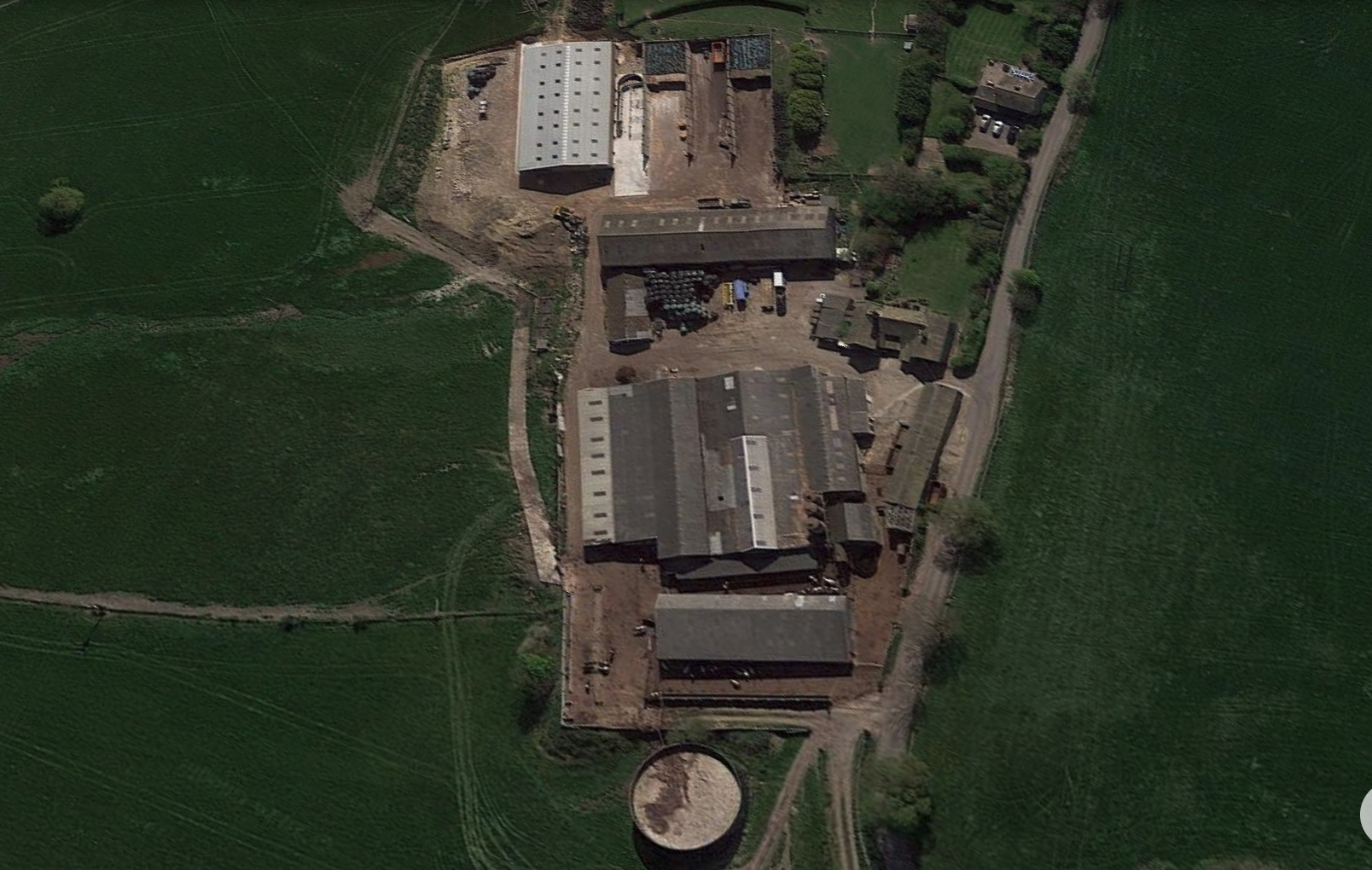
Wheatley Hill · Yard Designer Standalone desktop modelling workspace · original aerial locked underneath the editable geometry
2D plan 3D preview Barn Ground Lock admin Close
Original aerial locked · drag geometry only
Private admin workspace · v8.63
Yard Designer
Trace the real yard directly on the locked aerial. What you draw here is the geometry used by the 3D preview.
Object
Apply exact size to selected object
+ Add corner
− Delete corner
Save layout
Undo
↺ Rotate 1°
↻ Rotate 1°
Measure
Clear measure
Reset selected
Reset all
Terrain and retaining walls
Select a tool, then click two points on the 2D aerial. Ground fill is built up behind a retaining wall, not through it.
Draw raised ground Draw vertical wall
Wall + backfill Stop drawing
Backfill side of wall Left (start → end) Right (start → end) Saved terrain objects Update selected Delete selected
Save terrain Clear point
No terrain tool selected.
Measure mode: off
Concrete: put a node on every change of direction. Double-click an edge or use Add corner for another angle.Sheds: drag the corner nodes onto the real roof corners. Drag inside the outline to move the whole building. For four-corner buildings you can also enter the exact length and width above.Feed trough: drag either end onto the real trough, then enter its known length if required.IAE handling system: select crowding pen or straight race separately and drag nodes to match the photograph. Both initial positions are provisional; they are not claimed to be measured. The rail outline also appears in the 3D preview.Silage pits: they are a separate editable footprint, so you can move and rotate them independently.Measure: turn Measure on and tap any two places on the aerial. The app reports the calibrated distance in metres.2D / 3D: finish the footprint in this view first, then use 3D preview. Heights stay separate from the horizontal site plan.
Nothing in this designer is shown in the normal worker-facing app.
Open 3D preview
Enable unlimited look: free turning · Click-drag: move · Enter: save · Esc: release New Barn 120 × 70 ft · Back Cubicles measured Road west · fall west → east Local design only
− ⌂ +
Standalone desktop workspace · v1.1
Farm Designer Work on terrain, buildings, concrete and handling equipment. This project is separate from cattle records and the phone app.
Use Save changes while working. Export a backup file regularly, because browser storage can be cleared.
Export project Import project
Not connected to any farm database.